Verified BM for Customer Support Platforms: A Practical Buying Guide
Searching for a verified BM for customer support platforms often begins with a service requirement: bringing customer conversations into a shared inbox, assigning inquiries to agents, or connecting a helpdesk with business messaging channels.
Before choosing a provider, describe the support experience your software needs to deliver. A portfolio-related offer alone does not explain which application configuration, customer onboarding, inbox development, or troubleshooting services are included.
This guide helps helpdesk vendors, SaaS teams, and support agencies define their requirements and compare proposals against practical deliverables.
Start with the Agent’s Workflow
Describe what happens from the moment a customer contacts the business until the inquiry is resolved.
For example:
A customer sends a message, the conversation appears in the appropriate workspace, an available agent takes ownership, and the team records the outcome before closing the inquiry.
Explain which parts already work and where assistance is required.
Your brief should identify:
- The channels you want to connect.
- The business operating the support platform.
- Whether the software serves your company or external customers.
- How agents receive and manage conversations.
- Which existing systems need to exchange information.
- The specific issue currently blocking progress.
A clear workflow helps a provider distinguish a business setup task from a larger software implementation project.
1. Clarify the Service Behind the Offer
Ask the supplier to explain exactly what you are purchasing.
Business verification assistance, application configuration, shared inbox development, and managed support are separate services. Each should have its own scope.
| Service area |
What to clarify |
| Business setup assistance |
The business identity, preparation tasks, and submission support covered |
| Application configuration |
Which application and settings the provider will assess or change |
| Channel connection |
Supported channels, account types, and connection responsibilities |
| Shared inbox implementation |
Conversation display, assignment, search, and status handling |
| Customer onboarding |
How businesses authorize, test, and disconnect their connections |
| Testing |
Scenarios, environments, and acceptance criteria |
| Handover |
Documentation, configuration access, and remaining tasks |
| Ongoing support |
Maintenance coverage and incident handling |
Ask the provider to identify the current official requirements for your intended integration. A package name should not replace a feature-by-feature assessment.
2. Document Ownership and Access
Identify who controls the business portfolio, application, domain, support platform, and connected business assets.
For a helpdesk serving external companies, explain how each customer authorizes the connection and which parts of the setup remain under that customer’s control.
If a supplier operates its own connector or application, ask how that dependency affects maintenance and future migration.
Discuss practical questions before work begins:
- Who can add or remove a connected business?
- Who can change application settings?
- Can your team inspect the configuration?
- What access does the supplier retain after delivery?
- What happens when a customer cancels?
- Which information and settings can be exported?
If your objective is verification assistance for your own company, state that explicitly in the quotation request.
3. Define Conversation Assignment and Agent Roles
A shared inbox needs clear rules for who can see a conversation and who is responsible for responding.
Describe how your platform assigns inquiries. The process might use manual selection, a team queue, or a defined routing rule.
Then explain what happens when an agent becomes unavailable or transfers the inquiry.
For example, a billing question might move from a general support queue to a specialist team. Your brief should specify whether ownership, internal notes, and conversation status move with it.
Also distinguish internal notes from customer-facing replies. Ask the provider to demonstrate that agents can clearly tell which action they are taking.
If several agents can open the same conversation, agree on how the interface communicates ownership and helps prevent unintended duplicate responses.
4. Specify the Boundaries of Conversation History
Ask what conversation information the proposed integration can display and how your application will handle it.
Do not assume that connecting a channel includes importing all earlier messages, attachments, or customer records.
Clarify:
- Whether historical import is included.
- Which information is available from the source.
- How new messages are associated with existing conversations.
- Which attachment types are supported.
- How unavailable content is displayed.
- Whether internal notes can be exported.
- How your product handles deletion and retention settings.
Separate the capabilities of your own helpdesk from information supplied by the external channel. The provider should identify limitations before you commit to the project.
5. Test the Full Support Experience
A successful connection does not demonstrate that agents can manage a complete inquiry.
Request tests that cover both normal operation and interruptions.
Useful scenarios include:
- A new message reaches the correct customer workspace.
- An agent takes ownership and sends a supported response.
- Another agent can see the updated conversation status.
- The inquiry transfers to a different team.
- An unsupported attachment produces an understandable result.
- A temporary connection failure becomes visible to staff.
- A customer disconnects the integration.
- One customer’s agents cannot access another customer’s conversations.
If your platform includes automation, test how it interacts with human agents. Agree on when automated responses pause and who can resume them.
Record expected behavior, actual results, and unresolved issues.
6. Define Incident Responsibilities
When messages stop appearing, support teams need to know who will investigate.
Ask the provider to separate responsibilities for your application, its connector, your hosting environment, and external services.
Agree on the information needed to report a problem, such as the affected workspace, approximate time, action attempted, and relevant error reference.
Avoid including unnecessary customer information or sensitive credentials in general support requests.
Also clarify the difference between a response commitment and a resolution commitment. A provider may agree to begin investigating within a stated period without being able to guarantee when an external dependency will recover.
7. Compare Delivery and Maintenance Costs
Request separate pricing for initial assessment, configuration, development, testing, and ongoing support.
Ask whether additional channels, customer workspaces, agent seats, hosting, or third-party services create recurring charges.
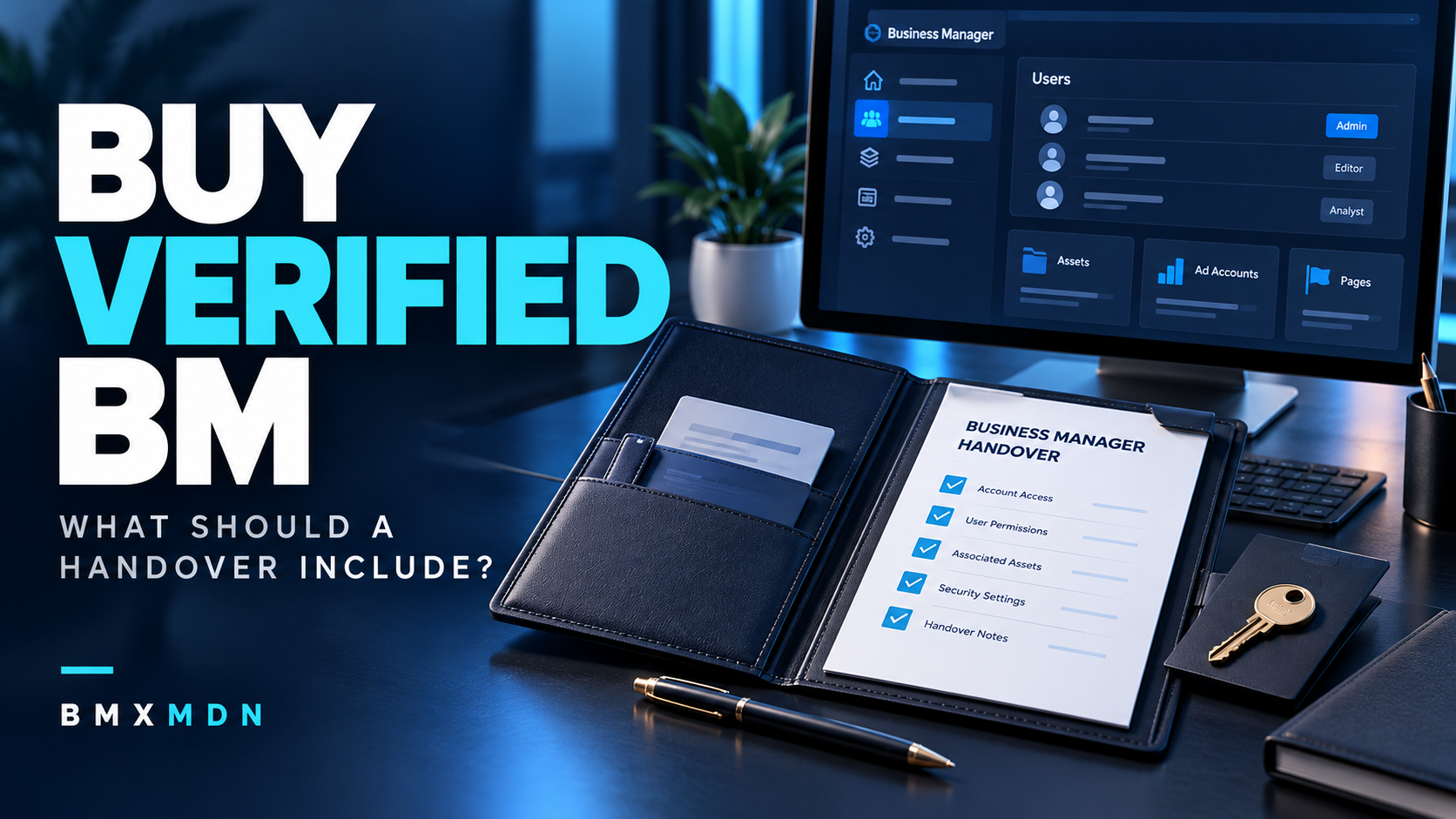
Before accepting delivery, request:
- An inventory of connected assets and applications.
- A list of supported functions.
- Agent-role and routing configurations.
- Test results and known limitations.
- Troubleshooting instructions.
- Outstanding tasks and assigned owners.
- Maintenance and exit arrangements.
This documentation helps your team operate the helpdesk after the original implementation work ends.
Inquiry Template for Customer Support Platforms
Hello, we operate [platform name] at [website URL]. Our software serves [our business/external customers] and needs to connect [channels] to a shared inbox. Agents should be able to [main support actions]. Our current implementation is [status], and the main blocker is [issue]. Please provide an itemized proposal covering business setup assistance, application work, customer onboarding, conversation routing, testing, documentation, recurring costs, and support.
Frequently Asked Questions
Is a verified BM the same as a working customer support integration?
No. It does not demonstrate that the shared inbox, agent permissions, conversation routing, or channel connection has been implemented and tested.
Can one setup cover multiple customer businesses?
Ask the provider to assess your customer onboarding model, authorization process, workspace separation, and maintenance requirements. Include those responsibilities in the proposal.
Will previous conversations appear after connecting a channel?
Do not assume they will. Ask the provider to confirm source availability, supported history, and whether any import work is included.
Should a provider retain access after handover?
Agree on the purpose, scope, and duration of continuing access. Maintenance arrangements should identify which tasks require it and when it will be reviewed.
Can business verification guarantee faster customer support?
No. Response times depend on staffing, routing, product behavior, and operational processes. Assess business setup and support performance as separate outcomes.
Request a Proposal for Your Customer Support Platform
Prepare your platform URL, intended channels, agent workflow, existing implementation, and known blockers. Ask for a written breakdown of ownership, onboarding, development, testing, pricing, and maintenance.
If you need assistance reviewing your situation, visit BMXMDN to discuss your business verification and customer support integration requirements. Request a proposal through BMXMDN so your technical and support teams can evaluate a clearly defined scope.