Buy Verified BM with a Handover Report: What to Request
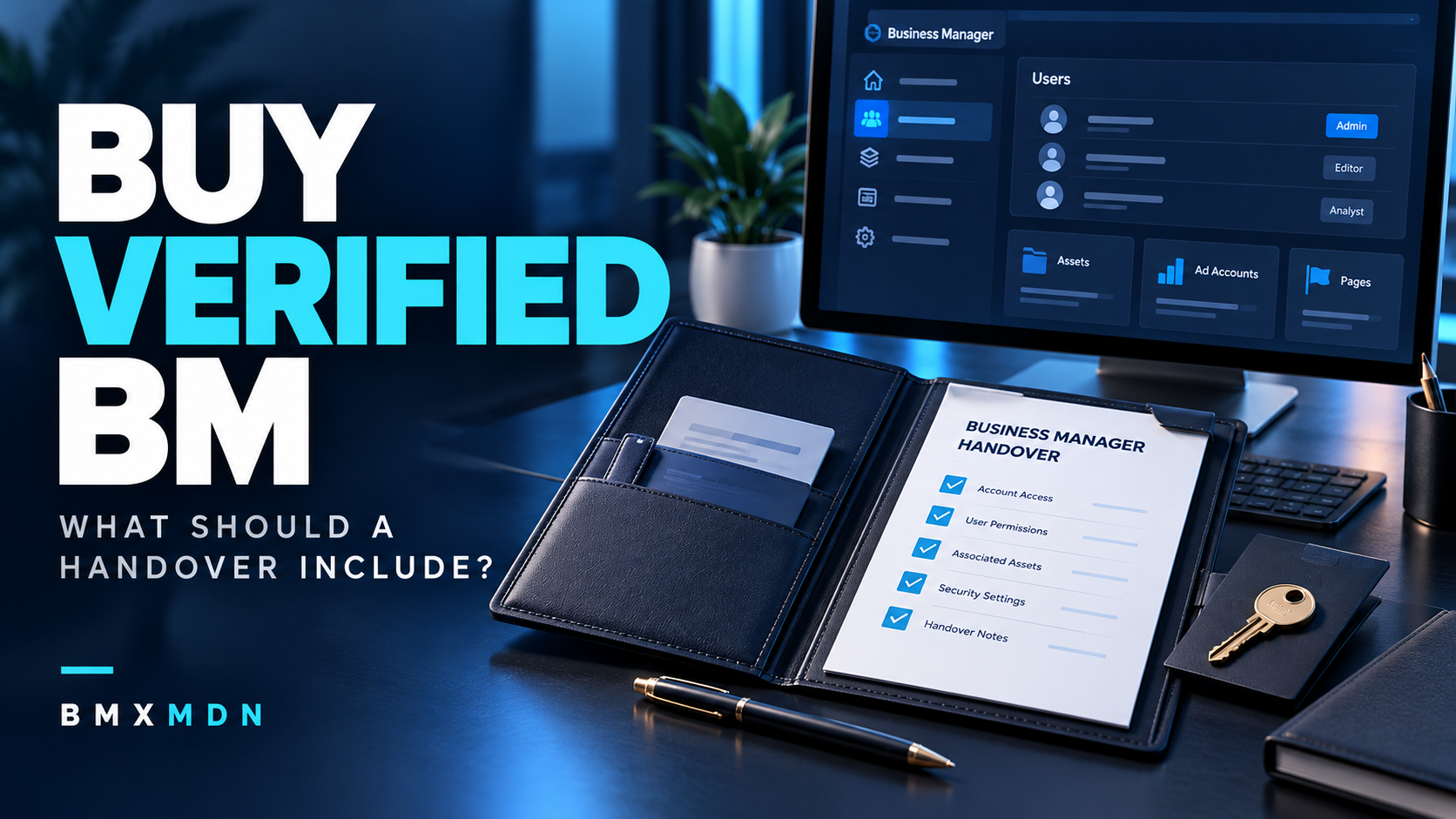
If you plan to buy verified BM with a handover report, define what that report must contain before accepting the quotation.
A message saying “delivery completed” gives your team little information to maintain the setup or investigate a mismatch. A useful report connects the agreed offer to the portfolio, access, assets, and services actually delivered.
The report should also identify what remains incomplete. Its purpose is to record the transaction accurately, including the limits of the checks performed.
This guide explains how to request documentation that your purchasing and operations teams can use.
Start with the Accepted Offer
Ask the supplier to prepare the handover report against the final quotation or order confirmation.
Identify the version that governs delivery. If the scope changed during discussions, record those changes before inspection begins.
Your reference should include:
-
The portfolio identifier, if already agreed.
-
The business represented by the proposed setup.
-
Access to be provided.
-
Assets included in the package.
-
Configuration or assistance included.
-
Delivery conditions.
-
Support arrangements.
Clarify the supplier’s authority to provide the proposed access or arrangement. A well-presented report does not establish that authority by itself.
1. Request an Itemized Delivery Inventory
The inventory should identify each component of the order.
Avoid descriptions such as “all assets included” when the quotation lists several distinct items.
| Report field |
What to record |
| Order reference |
The accepted quotation or order identifier |
| Portfolio identifier |
The exact BM inspected and delivered |
| Included assets |
Each asset’s type and relevant identifier |
| Recipient |
The person or business designated to receive access |
| Access arrangement |
The access promised and what was checked |
| Supplier work |
Configuration, guidance, or other services completed |
| Dependencies |
Components still controlled or maintained externally |
| Delivery date |
When the relevant handover occurred |
Mark excluded items clearly when confusion is likely.
For example, a domain mentioned during a demonstration should not appear as delivered unless it belongs in the accepted package.
2. Distinguish Supplier Statements from Buyer Checks
A report should make clear how each conclusion was reached.
There is a difference between information the supplier describes, information shown during a demonstration, and access your team checks directly.
Use wording such as:
-
“Described in the accepted quotation.”
-
“Displayed during the inspection.”
-
“Checked using the recipient’s access.”
-
“Not yet inspected.”
-
“Awaiting additional information.”
For example, watching the supplier open an asset demonstrates what was visible through the supplier’s access at that time. It does not establish that your recipient has the same permissions.
Ask the report author to record that distinction rather than marking both steps complete.
3. Attach Relevant, Dated Evidence
Evidence should help someone understand the result of a specific check.
For each important item, record the inspection date, the relevant identifier, the check performed, and the result observed.
Screenshots can support this record, but an unlabeled collection of images is difficult to interpret. Give each image a short description and connect it to the corresponding inventory item.
For example:
Recipient checked access to the asset listed in item 3 on the recorded inspection date. The expected information was visible. No configuration changes were performed during this check.
Keep the conclusion proportionate. A dated observation does not guarantee that a status or feature will remain unchanged.
Do not include passwords, authentication codes, recovery codes, payment card details, or unnecessary customer information in the report.
4. Maintain a Separate List of Outstanding Tasks
Partial delivery should be recorded accurately.
If several items are complete but one remains unresolved, identify that item and the next action instead of applying a single “completed” label to the entire order.
| Outstanding item |
Information to record |
| Missing access |
Expected access, current result, and responsible person |
| Unconfirmed asset |
Identifier or ownership detail needing clarification |
| Unfinished configuration |
Work remaining and dependencies |
| Missing documentation |
Document required and delivery date |
| Pending external decision |
What was submitted and what remains outside supplier control |
Every open item should have an owner and an agreed update point.
For example, if website access is delivered but domain management remains pending, document those as separate results. Your team can then see what it can operate and what still requires follow-up.
5. Record Scope Changes and Substitutions
If the supplier delivers a different portfolio or component from the one originally proposed, update the documentation before acceptance.
Record:
-
What was originally agreed.
-
What changed.
-
Why the change was proposed.
-
Who accepted the revised scope.
-
Whether price or support changed.
-
Which checks were repeated.
Do not reuse evidence from the original BM to support acceptance of a replacement.
Likewise, a new asset with a similar name should not be treated as the same asset without checking its identifier and role in the order.
Keep the earlier quotation for reference, while making the current scope easy to identify.
6. Connect Acceptance to Specific Deliverables
Agree on acceptance criteria before the report is finalized.
Possible criteria include matching the portfolio identifier, confirming the included asset list, checking recipient access, and receiving